

Elementary teachers have a challenging job: they have to prepare for at least 4 lessons every day and provide constant homework help. We learned about 4 sites that will help teachers find interesting crafts for labour lessons, make up exciting math assignments, and develop excellent essays for Russian pupils.
1. Child Development
Subjects: all elementary school subjects
This site has as many as 19 assignment generators! Prose, examples, equations, multiplication and division tasks in columns, number pyramids, word searches, crossword puzzles, anagrams, composition tasks, essay preparation, and developing speed reading skills.
The teacher only needs to set the parameters (such as what text is in the scribbles or in what range of counting is in the numeric pyramid). After a minute, you have a ready-made task, designed and constructed specifically for your class, which can be printed and handed out to students, as well as displayed on the board. This software really saves a teacher a lot of effort and time. To use the generators, all you have to do is register on the site.
There are several exciting experiments for children, including world lessons, crafts for art and technology lessons. They are available for free download as individual practical exercises and collections of activities on different subjects for all classes of elementary school (plus exercises on preparation for school)-a really indispensable and practically helpful resource for teachers.
Also read: Scarlett Johansson children: Rose Dorothy Dauriac and Cosmo.
2. LearningApps.org, a service for creating online exercises
Subjects: all elementary school subjects
LearningApps.org is used by many teachers in their work. It is a simple and very easy to use service. You can use it to create different types of exercises for all topics, grades, and elementary school subjects. And yes, it’s also free.
If your classroom has a projector or interactive whiteboard, exercises from the site can be included in the lesson at the stage of repetition and rehearsal of the passed material. The same practices can be given to children as homework (each exercise has its own link). Usually, students are excited about the interactive part-everyone will be reaching out, trying to go to the board and participate.
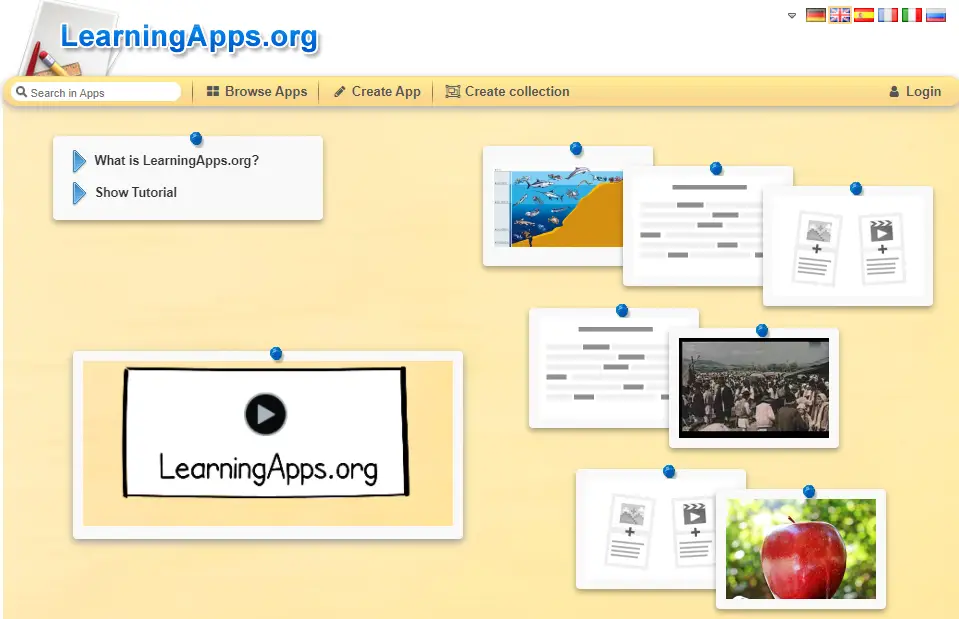
Another plus: when you create an exercise, you automatically include the answers, and the computer checks the completed work. This feature saves a lot of time in class.
LearningApps.org is a straightforward site, and it is easy to learn how to use it. There is a sample for each type of assignment, and there are many masterclasses on YouTube. If you’re interested, you can watch and even do an online exercise that I made on this site and watch my video about LearningApps.org.