
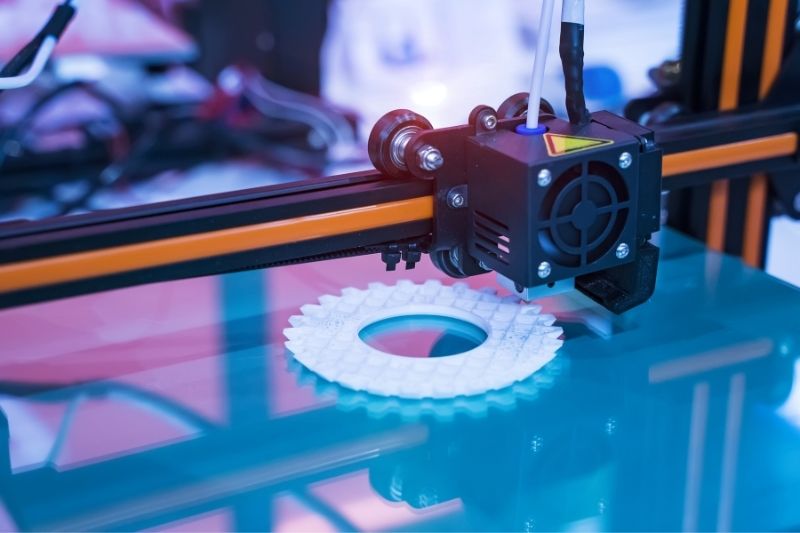
PLA, the most popular 3D printing filament, is likely familiar to anyone who knows anything about 3D printing. PLA is known for its simplicity, but certain printing troubles might make getting outstanding prints difficult. The difficulties associated with the first layer can be particularly stressful, as a good first layer is critical to a successful print. To help you get your prints looking fantastic, here are the most effective ways to fix bed adhesion problems!
Level your bed
Leveling the bed should be your first step. Bed leveling describes the practice of leveling points on your build surface. A misaligned bed can cause filament to stick in one spot but not in others. Adjustable tools (typically bed knobs) can guarantee that your bed surface is even and level. Bring your nozzle to its home position and utilize the adjustable leveling features to ensure your nozzle is the same height above the bed at all times.
Related article: Tips for Losing Weight After the Holidays.
Change the Z-Offset
A bad Z-offset might produce poor bed adhesion even if you have a level bed or a set of compensating values from an automatic bed leveling sensor. If you don’t know what Z-offset is, it’s the distance between the nozzle and the Z-home axis’s location. A bad, unturned Z-offset can cause the nozzle to be either too high or too low above the bed, which affects how the PLA comes out. This could also damage your bed. You must alter the Z-offset setting and test it to find a functioning Z-offset for optimal bed adhesion. While the testing procedure might be tedious, it’s well worth the time and effort.